Como baixar filmes grátis do 1movies.bz?

1movies.bz is a popular free streaming site where users can watch newly released movies and TV shows without paying for a subscription. Because it offers a wide range of content in HD quality, many users look for ways to download movies from 1movies.bz for offline viewing.
However, it’s important to understand that most free streaming websites do not provide official download buttons. In this guide, we’ll walk through different methods to download movies from 1movies.bz, from simple recording solutions to advanced bulk downloading tools.
1. Record Movies from 1movies.bz
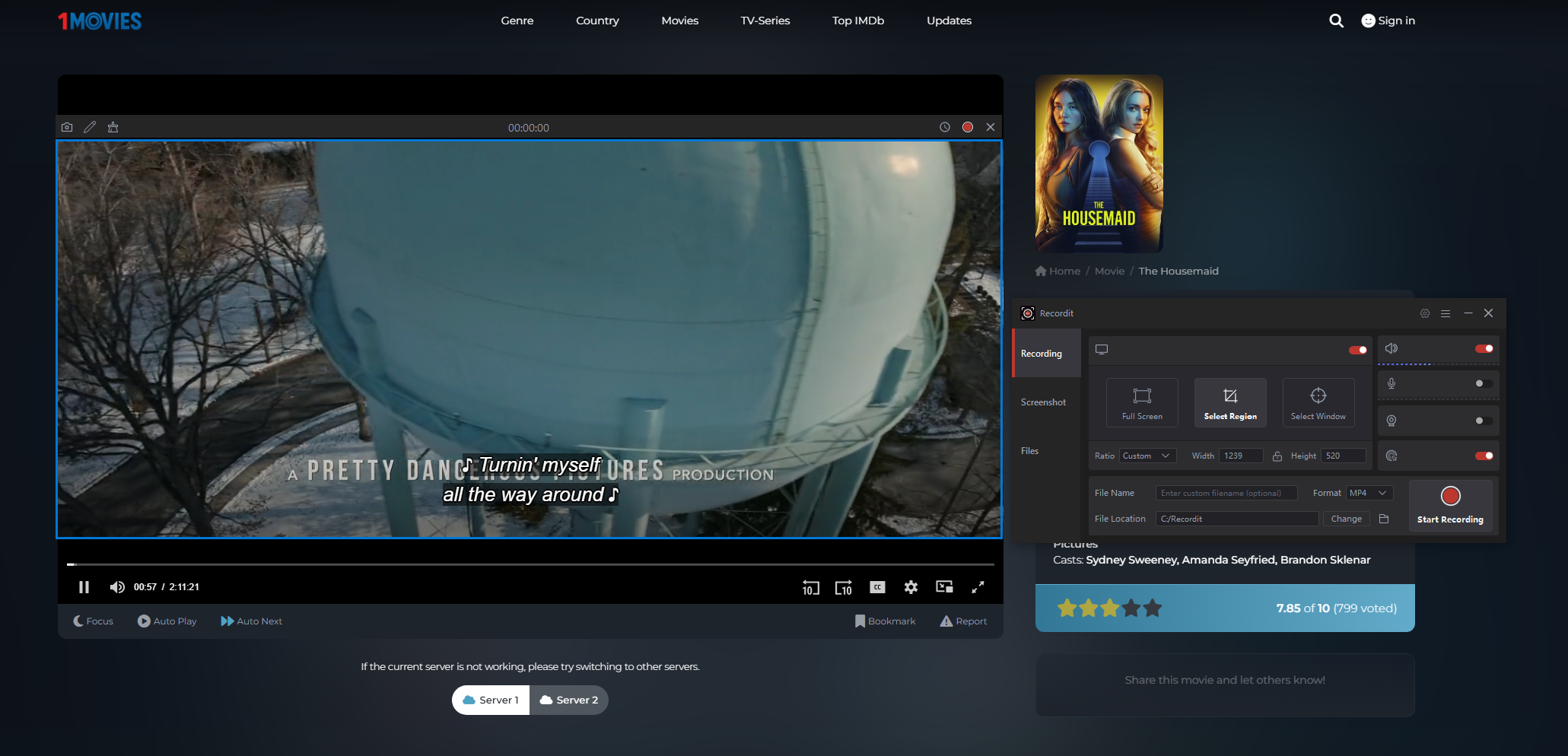
Since 1movies.bz typically does not offer a direct download option, one of the most common methods is screen recording. Screen recording captures whatever is playing on your screen and saves it as a video file. This method works on nearly any streaming site because it records playback instead of accessing the original file.
Steps to Record 1movies Movies :
- Open the movie page on 1movies.bz, then set the video to full screen.
- Launch a screen recorder and set recording area, then start recording and play the movie.
- Stop recording when finished, save the recorded movie file in MP4 format.
Prós :
- Works on almost any streaming site
- No need for special downloading links
- Fácil de usar
Contras :
- Deve gravar em tempo real.
- Quality depends on screen resolution
- Tamanhos de arquivo grandes
- Cannot batch download multiple movies
Recording is suitable if you only need to save one movie occasionally, but it’s not ideal for downloading multiple titles.
2. Download 1movies with Online Downloaders
Another method people try is using web-based video downloaders. These tools allow you to paste a video page URL and attempt to extract downloadable media files.
How It Works :
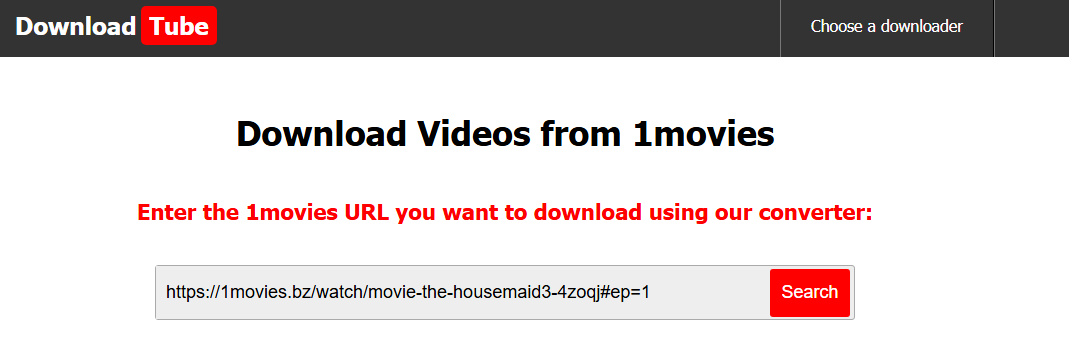
- Open an online video downloader website like downloadtube.net.
- Copy the movie URL from 1movies.bz and paste the link into the input field.
- Click “Download”, then choose available resolution and save the file.
Limitações :
Many online downloaders do not support streaming sites like 1movies.bz because:
- The videos are often protected by streaming protocols.
- Content is delivered in segmented formats.
- Sites use anti-download mechanisms.
You may encounter:
- “Video not supported” errors
- Extremely slow processing
- Fake download buttons
- Popups and ads
Online downloaders are convenient, but their success rate with 1movies.bz is inconsistent.
3. Download 1movies with Browser Extensions
Some users install browser extensions designed to detect video files playing on a webpage.
Popular video-detection extensions include tools like:
- Ajuda para download de vídeo
- Streamfork
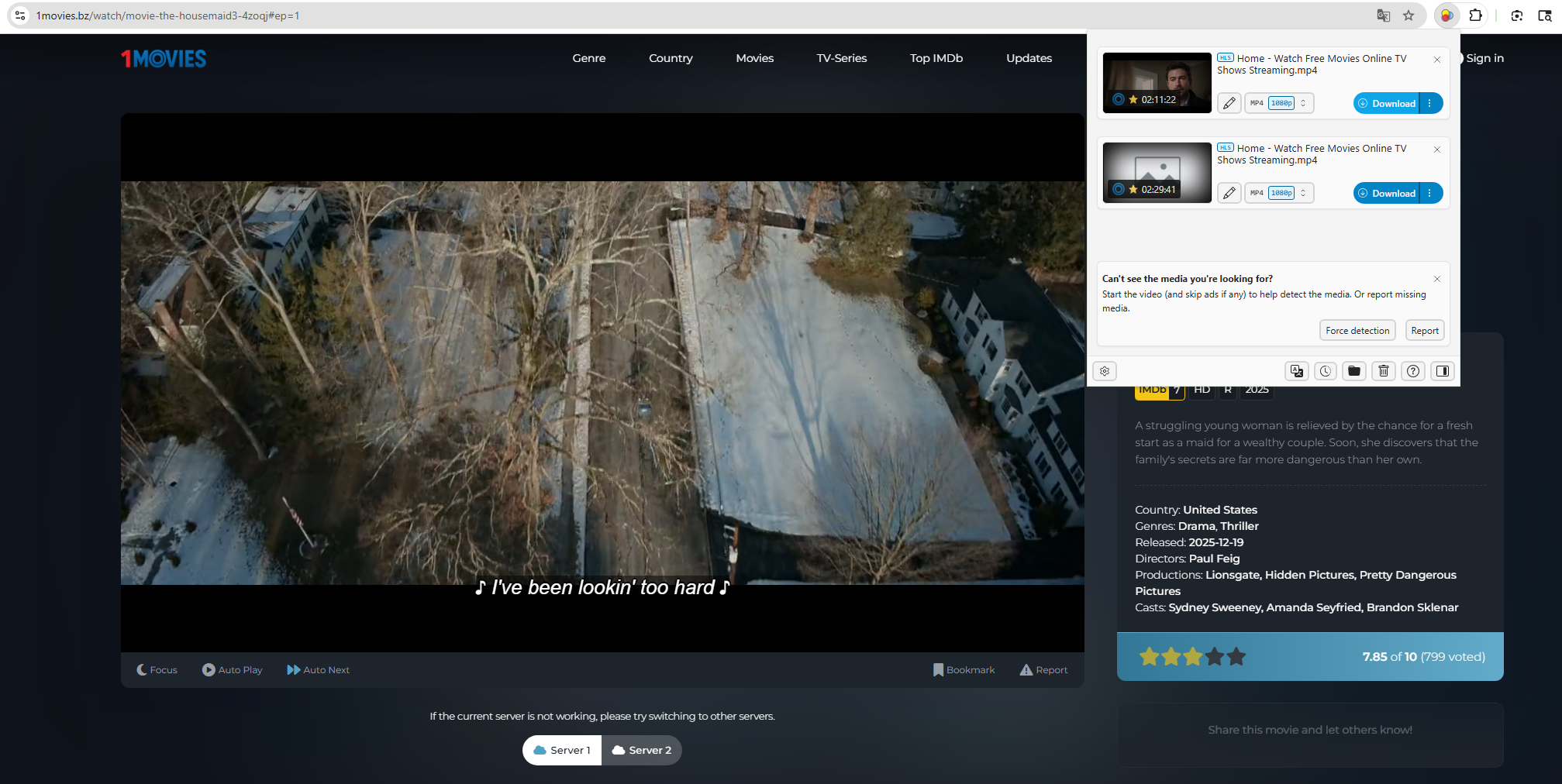
When you play a movie on 1movies.bz, the extension scans the network activity and detects downloadable media streams.
Passos:
- Install a video downloader extension like Video DownloadHelper in Chrome or Firefox.
- Open 1movies.bz and play a movie on the page.
- Click the extension icon, select the detected video stream and download to your computer.
Prós :
- Mais rápido que a gravação de tela
- No need to record in real time
- Simple interface
Contras :
- May not detect protected streams
- Can break after website updates
- Limited bulk downloading
- Sometimes downloads fragmented video files
Extensions are useful for individual movies but are not reliable for downloading large collections.
4. Advanced Bulk Download 1movies with Meget
If you want a more powerful and efficient solution, desktop download software is a better option. One recommended tool is Meget.
Muito is designed to download streaming videos from 10,000+ websites. Compared to browser extensions or online tools, it provides:
- Faster download speeds
- Batch downloading support
- Higher success rate with streaming protocols
- Built-in browser support
- Multiple resolution options
- Organized download management
How to Download 1movies.bz Movies with Meget :
- Download and install Meget on your Windows or Mac computer.
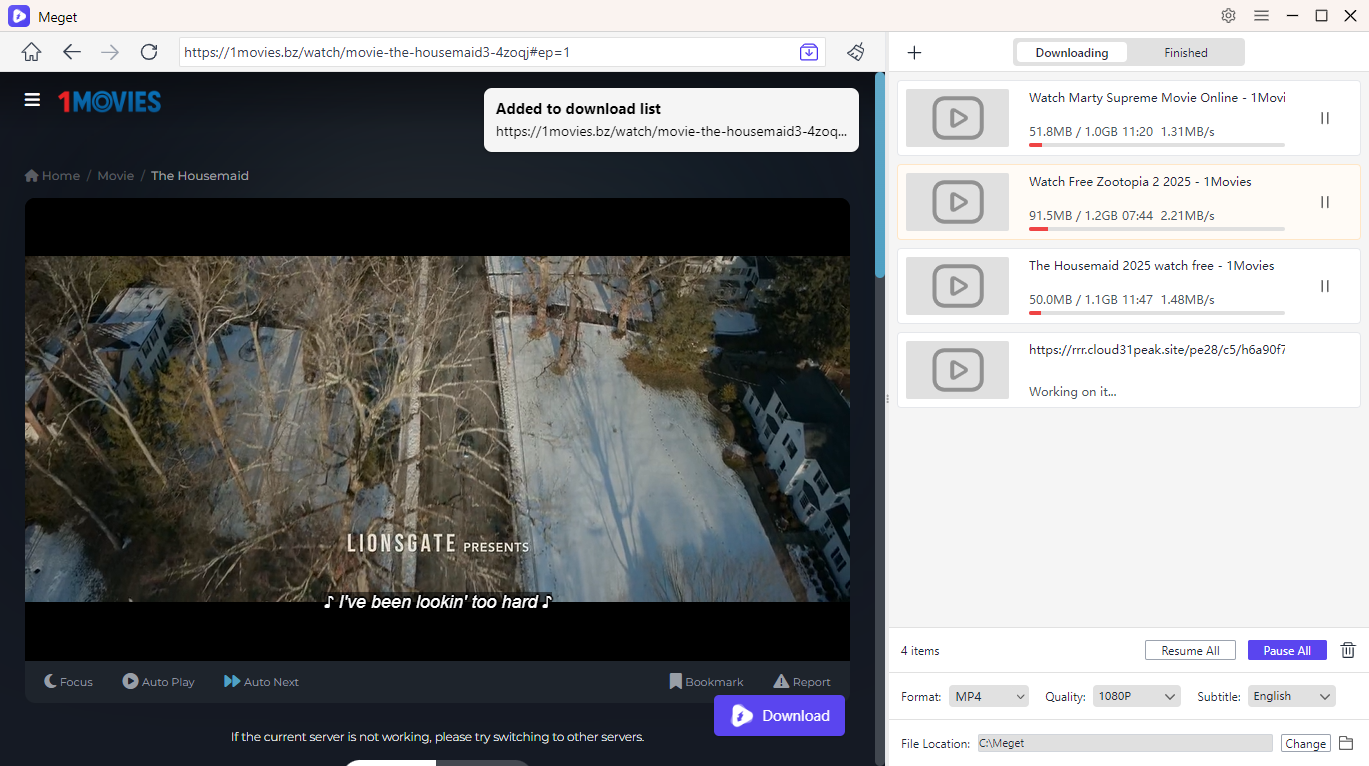
- Launch Meget and use its built-in browser to visit 1movies.bz.
- Open the movie you want to download and start playback. Meget will automatically detect the video stream.
- Choose your preferred video quality (such as 720p or 1080p) and download format on the main interface.
- Hit the download option, and Meget will start saving the movie from 1movies.bz straight to your computer for offline viewing.
5. Conclusão
There are several methods to download movies from 1movies.bz:
- Screen recording works but is slow and manual.
- Online downloaders are convenient but unreliable.
- Browser extensions can detect streams but may fail with protected content.
If you’re looking for a faster, more stable, and more efficient solution — especially for downloading multiple movies – Meget is the most practical choice.
With its built-in browser, automatic stream detection, batch downloading capability, and high-quality output options, Meget provides a smoother experience compared to basic tools.
For users who regularly download movies from streaming platforms and want a professional-level downloader that saves time and effort, Muito is strongly recommended.